> For the complete documentation index, see [llms.txt](https://apidocs.onekeypayments.com/llms.txt). Markdown versions of documentation pages are available by appending `.md` to page URLs; this page is available as [Markdown](https://apidocs.onekeypayments.com/guides/deposits/solutions/fragments-sdk.md).
# Fragments (SDK)
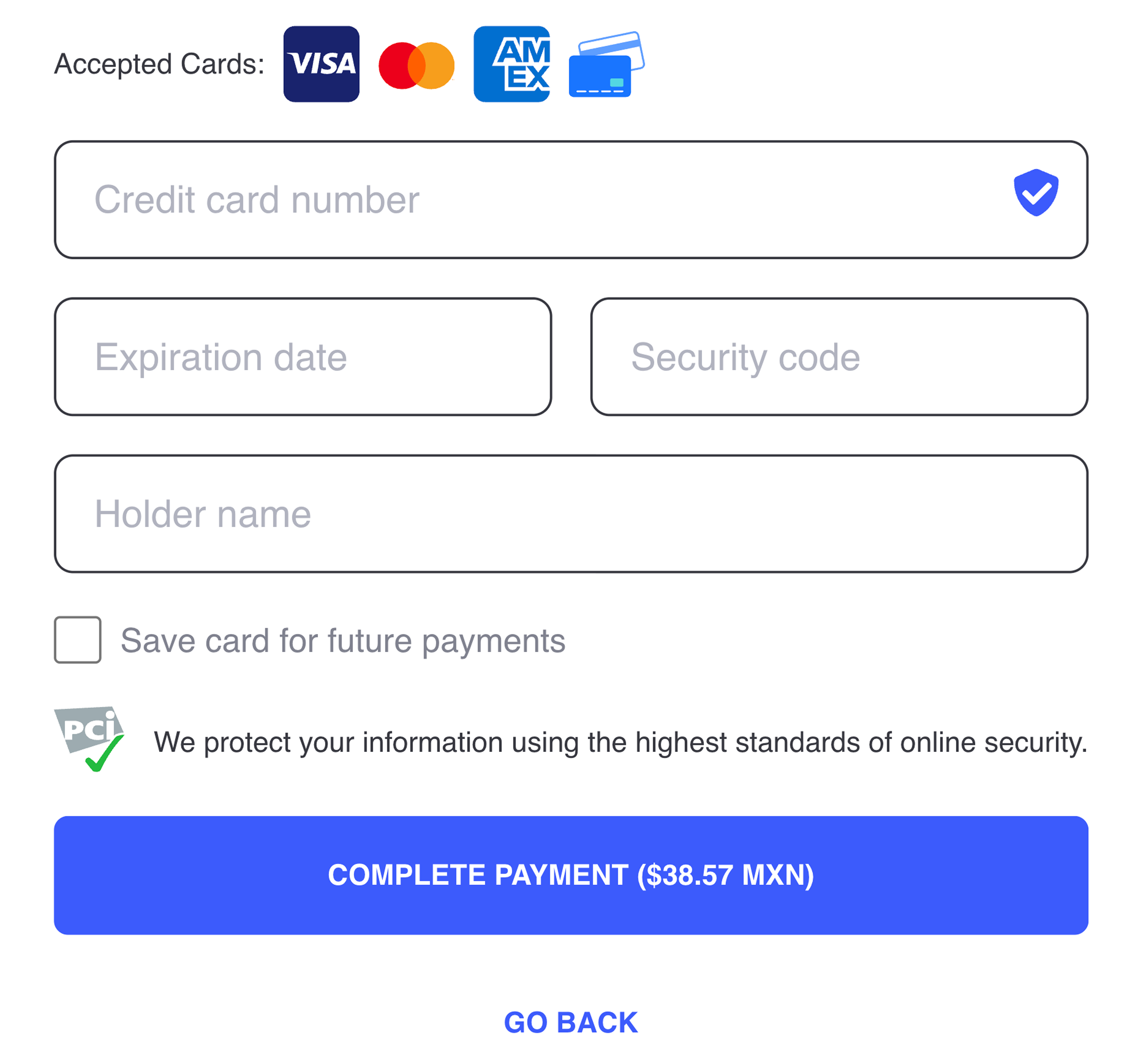
Fragments is our ultimate toolkit to enable merchants to offer world-class credit card checkout experience.
### Fragments all-in-one
you can use our Fragments all-in-one version to display your checkout directly in your website with very low effort required. Fragments will handle the whole experience with all the possible scenarios: displaying installments, handling 3DS challenges, remembering payer's card and performing card validations.
Additionally, you can highly customize the frontend elements to math your site's styles, blending our frontend component naturally in your website.\
All this perks will remaining a fully PCI compliant integration.
### Fragments Lite
In case you want to **build your own credit card checkout components in the frontend**, but without being PCI Compliant you can still opt for our Fragments SDK.
You will need to send to our frontend component the card details in order to generate a token.
That token will contain encrypted information about the credit card that only our side can decrypt.\
You should use the token to charge that deposit.
{% hint style="info" %}
## `card_token` expiration
Please note that the token created by the Fragments SDK will expire after 10 minutes.
{% endhint %}