> For the complete documentation index, see [llms.txt](https://apidocs.onekeypayments.com/llms.txt). Markdown versions of documentation pages are available by appending `.md` to page URLs; this page is available as [Markdown](https://apidocs.onekeypayments.com/guides/deposits/solutions/oneshot.md).
# OneShot
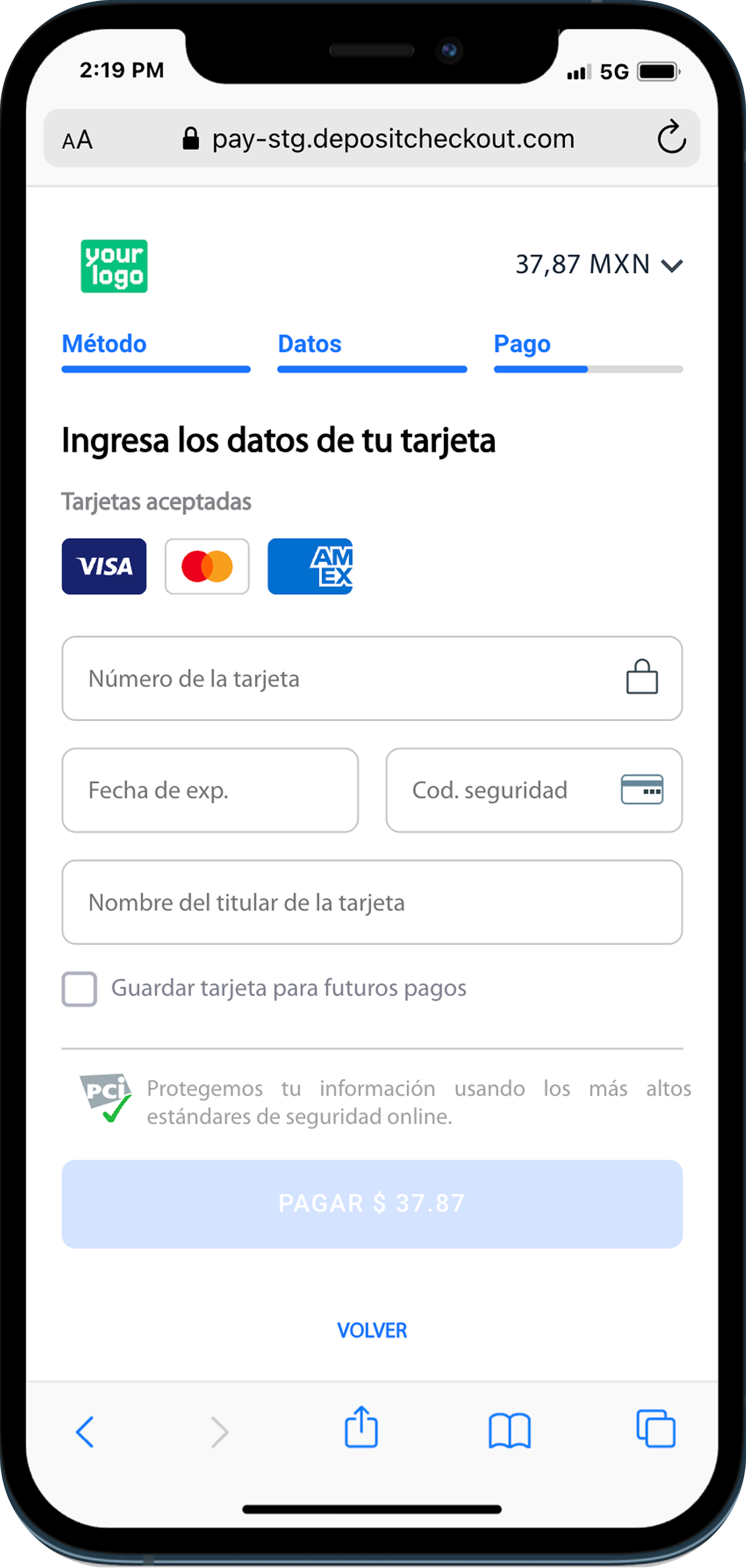
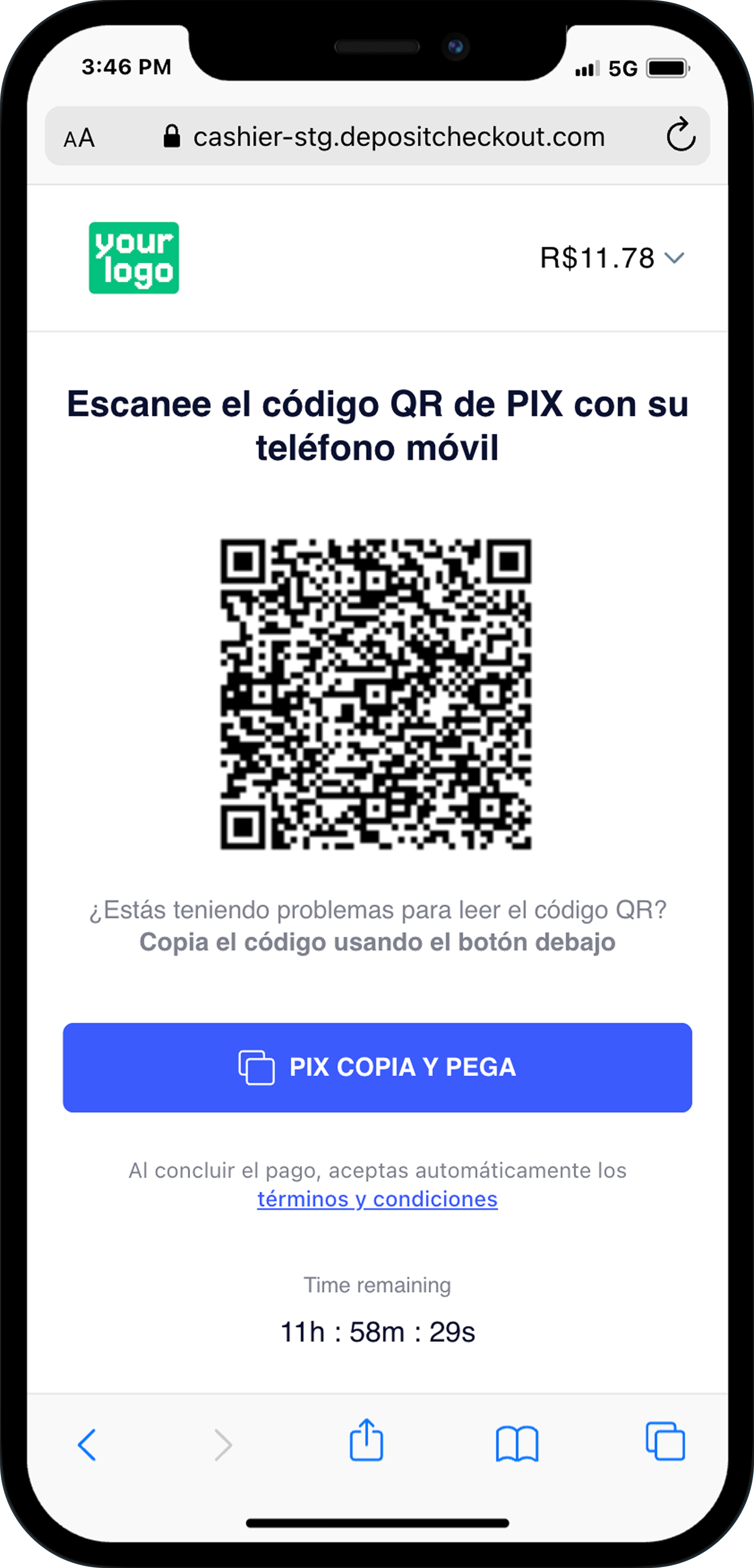
Our OneShot solution will enable you to redirect the user to our checkout page where the user will see all the details for completing the deposit, and also will enable you to render the checkout page on your website (in the case of using Alternative Payment Methods).
### Alternative Payment Methods world-class integration
Our OneShot integration allows you to render the checkout information on your website.
We will always send you the **`redirect_url`** parameter with the checkout hosted in our end.
But if you are looking for the best user experience, you can display the checkout in your site with your own custom design.\
You will receive in the response the required information in the **`metadata[]`** object within the **`payment_info[]`**, such as QR codes, bar codes, banking copy/paste addresses, bank transfer details and more!
{% tabs %}
{% tab title="Example of a Pix deposit" %}
{% endtab %}
{% endtabs %}
### **Hosted checkout**
{% hint style="warning" %}
Hosted flow is ***never*** recommended as a main deposit flow as it can impact directly on conversion rates.
{% endhint %}
In the event that **not all mandatory data is sent** in the initial API call, the system will automatically trigger an intermediate flow known as the **Hosted flow**. This ensures the payment can still be completed.
* **What happens:** The API will return the parameter **`checkout_type`** with value **`HOSTED`** and a **`redirect_url`**.
* **Required action:** You must redirect the user to that URL. On our hosted page, we will collect the missing information from the user before presenting them with the final checkout instructions in the same tab.
### Build the solution
Guide
Follow detailed, step-by-step instructions and use our code examples to launch your integration with ease.