> For the complete documentation index, see [llms.txt](https://apidocs.onekeypayments.com/llms.txt). Markdown versions of documentation pages are available by appending `.md` to page URLs; this page is available as [Markdown](https://apidocs.onekeypayments.com/guides/deposits/solutions/plugins/shopify/admin-flow.md).
# Admin Flow
### Order and detail view
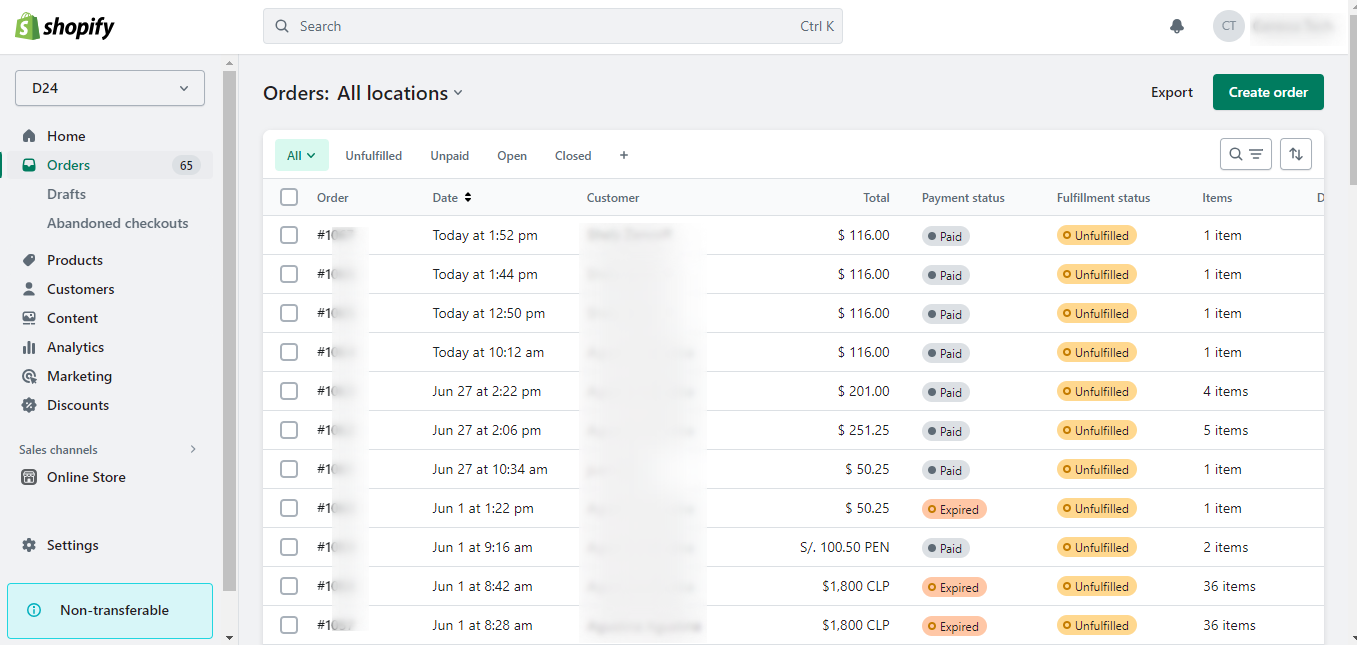
From the Shopify admin menu select 'Orders'.
And then you will be able to see all the received orders.
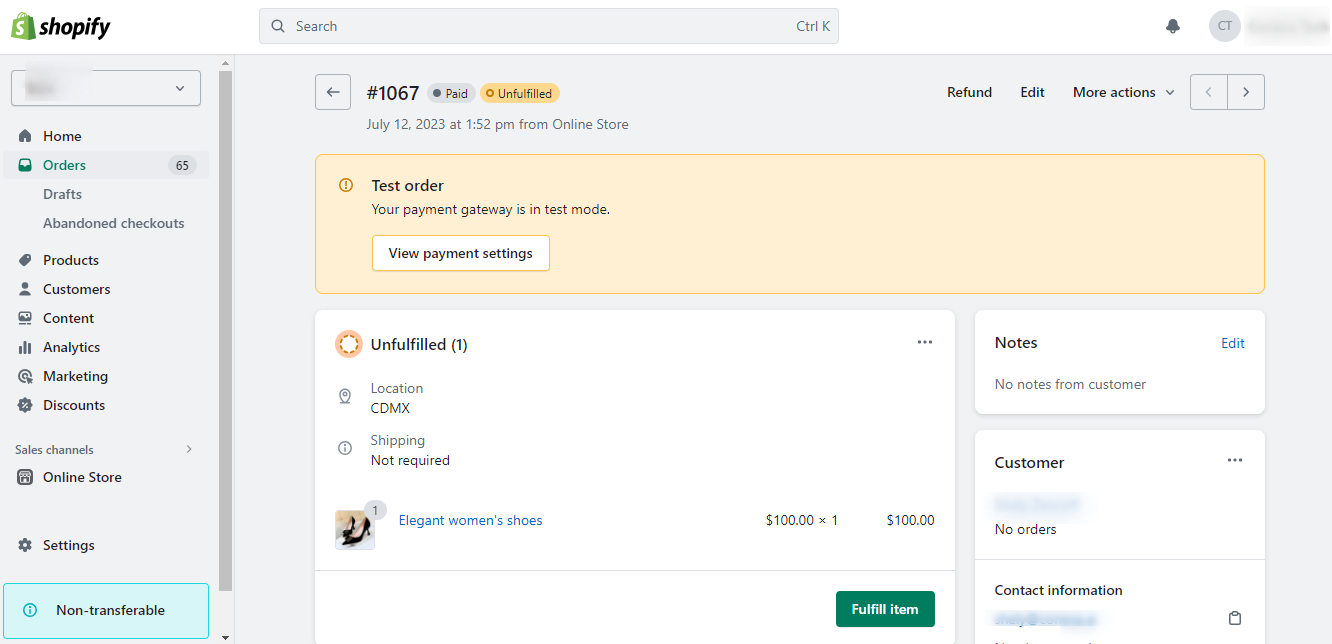
By clicking on the number of the order you want to see, you will be able to see the order details.
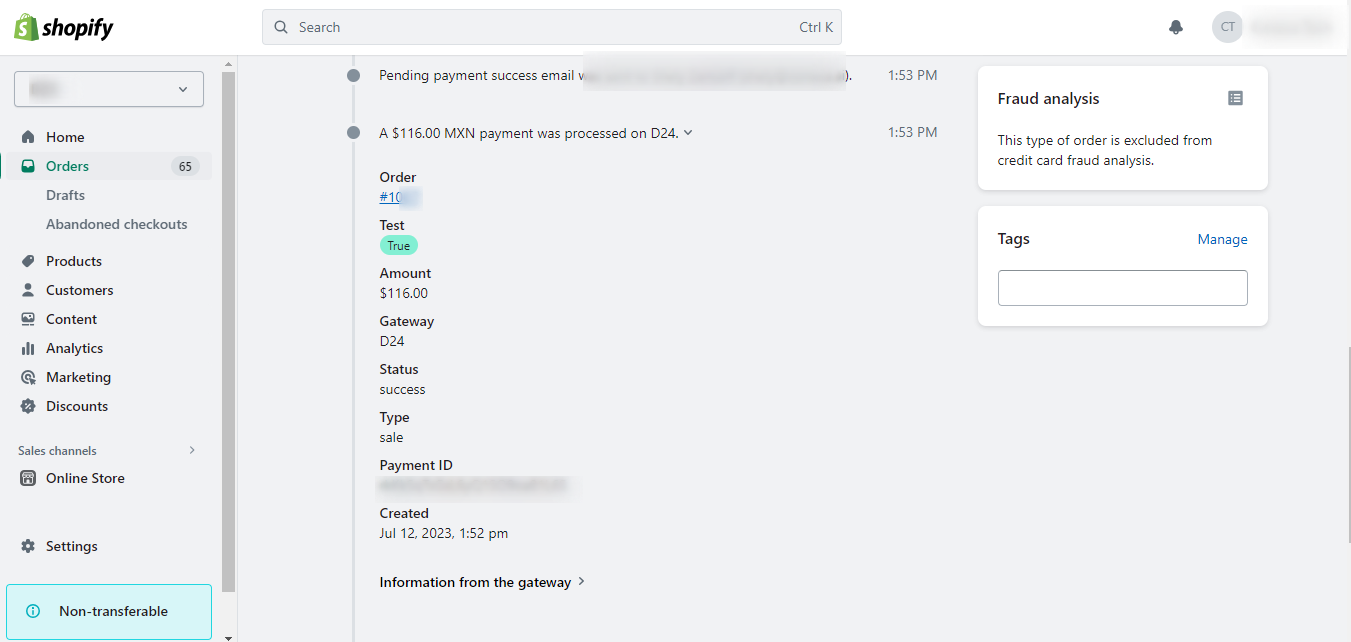
Once you enter the order details, at the bottom of this screen you will see the payment method used to pay for the order, in this case D24.
***
### Transaction view from D24
From the D24 dashboard you will be able to view the transactions made from your store, by clicking on the 'Transactions' menu you will be able to view the detail of the payment made.